Passport Photo Maker
Format photos to the exact dimensions you need, with country-style templates and clean backgrounds.
PicoDocs is a tiny, friendly toolkit for passport photos, document scans, image-to-PDF and PDF compression. Nothing is uploaded — everything happens on your phone.
Free, ad-supported. Premium removes ads.
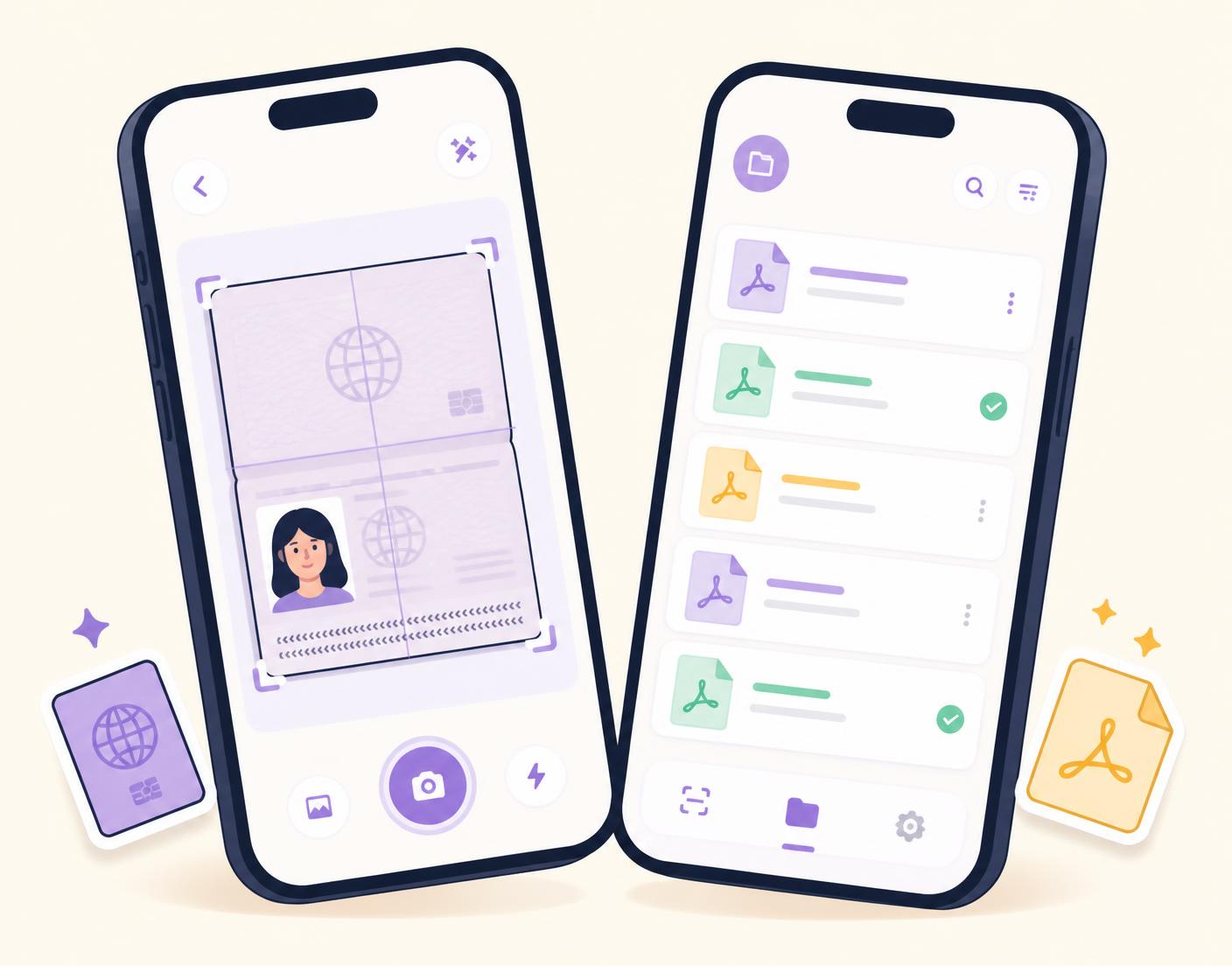
Everything you usually need a desktop and three websites for.
Format photos to the exact dimensions you need, with country-style templates and clean backgrounds.
Turn a stack of photos into a single tidy PDF document in a couple of taps.
Shrink heavy PDFs down to upload-friendly sizes, entirely on-device.
Scan paper documents with edge detection and enhancement for crisp, readable results.
PicoDocs was built so that sensitive paperwork — IDs, contracts, certificates — never has to travel anywhere.
Read the privacy policyYour files never leave your device.
No email, no sign-up, no profile to manage.
View, share or delete anything from the Files section.
Optional upgrade for people who use PicoDocs every week. Billed through Google Play or the App Store — cancel any time.
See subscription termsYes. All processing — passport photos, scanning, conversion and compression — happens locally on your device.
No. PicoDocs requires no registration, login or personal details.
Manage or cancel your subscription in your Google Play or Apple App Store account settings, at least 24 hours before renewal.
PicoDocs helps you format photos correctly, but official requirements vary. Always verify against the relevant authority's guidelines before submitting.
Still stuck? Head to support.